
August 16, 2026 • Automation & SEO • By Sayad Md Bayezid Hosan
How We Automated Website-to-LinkedIn Article Sharing: A GitHub Actions Case Study
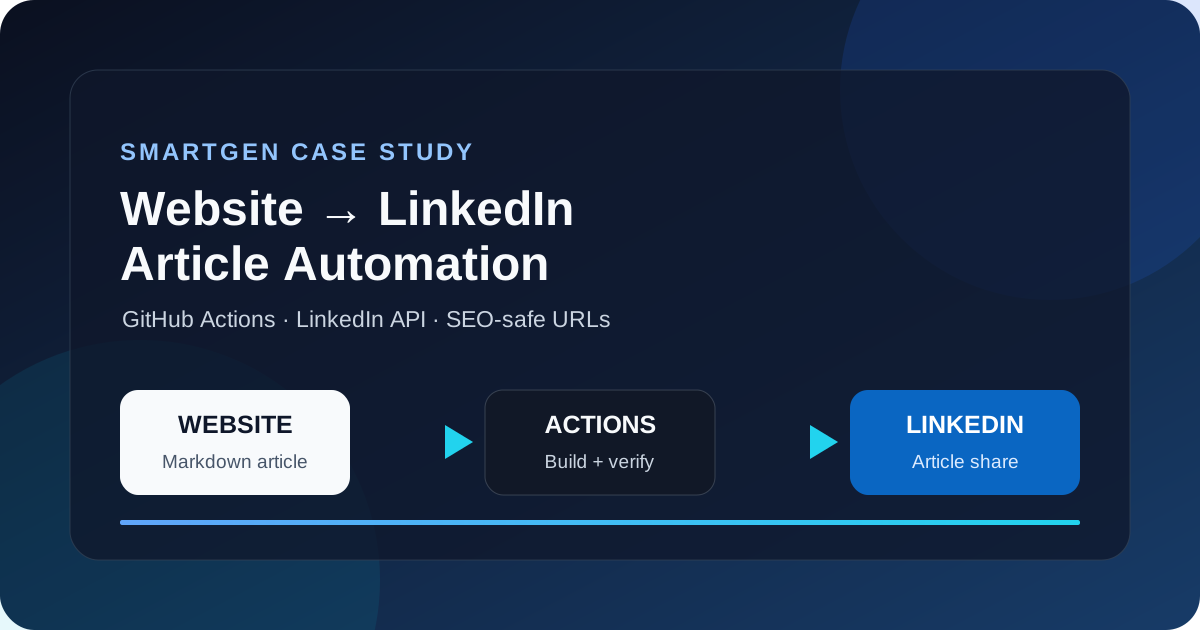
Publishing a useful article is only half of a content distribution system. The other half is making sure the article reaches the right audience without creating repetitive manual work, leaking credentials, or damaging the URLs that search engines already know. At SmartGen, we built a small but disciplined website-to-LinkedIn automation system that turns a new Markdown article in GitHub into a published LinkedIn article share.
This is a first-party case study of that implementation. It explains the architecture, the SEO decisions, the LinkedIn API request, the image-preview problem we encountered, the canonical URL failure that caused a 404 in a LinkedIn post, and the controls we added to prevent the same error from happening again. The approach is intentionally practical: a static website, GitHub Actions, a Node.js script, LinkedIn credentials stored as repository secrets, and no change to the working Cloudflare backend.
The Objective: Automate Distribution Without Sacrificing SEO
The original publishing process was straightforward but fragile. A new post was added to the blog-posts/ directory, the static builder generated an HTML page, the deployment workflow published the site, and a separate LinkedIn workflow attempted to share the article. The risky part was that the website builder and the LinkedIn script did not initially use the same source of truth for the article URL.
That distinction matters when a title contains punctuation. For example, the title UI/UX Design Course Class 02: Figma Essentials can become ui-ux-design-course-class-02-figma-essentials when a script derives a slug from the title. The already published page, however, used uiux-design-course-class-02-figma-essentials. LinkedIn received the title-derived URL and readers saw a 404 page even though the article existed at the valid route.
The target system therefore had five requirements:
- A new Markdown file should trigger the sharing workflow.
- The LinkedIn script should use the exact canonical URL generated by the blog builder.
- The LinkedIn post should contain a useful article preview and a reliable cover image.
- Existing titles, dates, slugs, indexed URLs, and Docs styling must remain unchanged.
- Tokens and backend infrastructure must remain outside the public repository.
Core principle: content automation should reuse the website’s canonical metadata instead of independently guessing URLs from titles.
Keyword Research and Search Intent
The primary target phrase for this case study is automate blog posts to LinkedIn. It is a specific, implementation-led long-tail query: someone using it is more likely to want a workflow than a general definition of social media marketing. Supporting phrases include website to LinkedIn automation, LinkedIn API automation, GitHub Actions LinkedIn posting, automate LinkedIn article sharing, and LinkedIn Open Graph image.
These phrases represent different stages of the same search journey. The primary phrase captures the end-to-end problem. The API phrase captures developer intent. The GitHub Actions phrase captures implementation intent. The Open Graph phrase captures the failure mode that causes a share card to display the wrong title, no image, or a broken link.
Keyword Difficulty should be treated as a directional filter, not a promise of ranking. Ahrefs defines KD as an estimate of how difficult it is to reach the organic top 10 on a 0–100 scale, primarily using the referring-domain strength of the current top-ranking pages 1. The free checker did not return a numeric score for these exact phrases in this research session because its interactive verification layer blocked the lookup. Rather than inventing numbers, this case study uses a transparent qualitative assessment: the broad phrase website to LinkedIn automation is likely more competitive, while the long-tail phrases GitHub Actions LinkedIn posting and LinkedIn Open Graph image are narrower opportunities with clearer intent.
| Keyword | Role in this article | Qualitative opportunity |
|---|---|---|
| automate blog posts to LinkedIn | Primary | Strong relevance and specific implementation intent |
| website to LinkedIn automation | Secondary | Broad topic with higher expected competition |
| LinkedIn API automation | Technical secondary | Useful for developer searches and API-focused readers |
| GitHub Actions LinkedIn posting | Technical secondary | Narrow, actionable, and aligned with the implementation |
| automate LinkedIn article sharing | Supporting | Matches the actual distribution use case |
| LinkedIn Open Graph image | Supporting | Solves preview and social-card failures |
The Architecture We Implemented
The system has four layers. The Markdown layer stores the article title, description, publication date, canonical slug, article cover image, LinkedIn thumbnail, author, and tags. The build layer converts the Markdown into a static page and writes canonical, Open Graph, Twitter Card, and JSON-LD metadata. The deployment layer runs the existing GitHub Pages build. The distribution layer detects the new article and sends an authenticated request to LinkedIn’s UGC Post API.
The architecture is deliberately simple:
New blog-posts/*.md commit
          |
          v
GitHub Actions detects the push
          |
          +--> Build workflow --> static HTML + blog.json + sitemap
          |
          +--> LinkedIn workflow --> read front matter
                                      |
                                      +--> explicit slug
                                      +--> canonical article URL
                                      +--> LinkedIn thumbnail
                                      +--> UGC Post API request
The LinkedIn workflow uses LINKEDIN_PERSON_ID for the OAuth access token and LINKEDIN_MEMBER_ID as the member fallback. These values are stored in GitHub Secrets, not in Markdown, JavaScript, or generated HTML. The client ID and client secret remain available to the workflow configuration where required, but the runtime request uses the protected token and resolved member identity.
The Canonical URL Fix
The most important reliability improvement was adding an explicit slug field to the article front matter:
slug: "how-we-automated-website-to-linkedin-article-sharing-case-study"
The blog builder already supports explicit slugs and falls back to title slugification only when no slug is pinned. The sitemap workflow uses the same rule. We changed the LinkedIn script to follow that policy as well:
const slug = cleanText(attributes.slug) || slugify(title);
const postUrl = `${siteUrl}/blog/${slug}/`;
This preserves the existing behavior for older posts while preventing a title edit or punctuation change from silently producing a different LinkedIn URL. A title is editorial content; a slug is an SEO identity. They should not be treated as interchangeable values after publication.
The same rule also protects future posts. If a title contains /, &, a colon, an emoji, or a branded spelling that does not match automatic slugification, the author can pin the intended route once and every system can reuse it.
The LinkedIn Article Request
LinkedIn’s UGC Post API models an article as share content with a media object. The request needs an author URN, a published lifecycle state, public visibility, commentary text, and an article URL. LinkedIn’s documentation also describes primaryLandingPageUrl, originalUrl, and article thumbnails 2.
The relevant request shape is conceptually:
{
  "author": "urn:li:person:MEMBER_ID",
  "lifecycleState": "PUBLISHED",
  "specificContent": {
    "com.linkedin.ugc.ShareContent": {
      "primaryLandingPageUrl": "https://smartgentools.com/blog/example/",
      "shareMediaCategory": "ARTICLE",
      "media": [
        {
          "status": "READY",
          "originalUrl": "https://smartgentools.com/blog/example/",
          "landingPageUrl": "https://smartgentools.com/blog/example/",
          "thumbnails": [
            {
              "url": "https://smartgentools.com/blog-posts/images/example-linkedin.jpg",
              "width": 1200,
              "height": 630,
              "altText": "Example article cover"
            }
          ]
        }
      ]
    }
  }
}
The API request is not a substitute for page metadata. The destination page still needs correct og:title, og:description, og:image, and og:url tags. LinkedIn’s own guidance lists those tags as the required share metadata 3. Sending a correct URL and publishing a page with incorrect metadata creates a different class of preview problem.
Solving the Missing Cover Image
The first LinkedIn share displayed a plain text card. The investigation found two contributing risks. First, LinkedIn was trying to fetch the malformed 404 URL, so it could not reliably read the article metadata. Second, the article’s visual cover was an SVG, while LinkedIn’s general sharing guidance emphasizes raster formats and recommends a minimum of 1200 × 627 pixels with an approximately 1.91:1 ratio 3.
We kept the SVG as the website’s primary article image because it is compact, sharp, and consistent with the site’s SVG-first asset policy. We also generated a dedicated 1200 × 630 JPEG for LinkedIn’s thumbnail field. This is not a replacement for the article image; it is a social-distribution derivative designed for a platform preview.
The distinction is useful for performance and compatibility. The website receives the optimized vector asset. LinkedIn receives a correctly sized social card that can be fetched directly from a public URL. The generated JPEG is less than 5 MB and uses the recommended landscape ratio.
Safety Controls and Failure Recovery
The workflow has a dry-run mode. Before a live publish, it can read a selected Markdown file and print the title, resolved article URL, and preview image without sending a LinkedIn request. That makes it possible to test a new article or manually re-share a corrected post without exposing credentials or creating an accidental duplicate.
The workflow also supports manual dispatch with a specific post_path. This was important for recovery: the first Class 02 share had already been published with the wrong URL, so changing the code could not edit the historical LinkedIn post. We dispatched the corrected Markdown file explicitly, verified the valid URL and thumbnail inputs, and received a successful LinkedIn share ID.
GitHub Actions logs are part of the verification surface. A successful run means the API request completed; it does not automatically prove that the destination page returns 200 or that LinkedIn’s cached preview is fresh. We therefore verify the destination with an HTTP request, inspect the canonical and Open Graph tags, check the image endpoint, and use LinkedIn’s Post Inspector when a preview appears stale. LinkedIn documents that Post Inspector refreshes preview data for future shares while leaving existing posts unchanged 4.
What We Verify Before Publishing
The final checklist is intentionally stricter than “the workflow is green.” We check the exact article URL, the absence of a title-derived duplicate route, the published date, the canonical tag, the Open Graph image, the sitemap entry, the cover-image response, and the dry-run payload. We also confirm that the change does not touch docs.css, Docs templates, Worker files, or Cloudflare configuration.
| Verification | Expected result |
|---|---|
| Explicit slug | Matches the intended stable route exactly |
| Generated HTML | Contains matching canonical and og:url values |
| Open Graph image | Public HTTPS URL with the article cover |
| LinkedIn thumbnail | Public HTTPS JPEG, 1200 × 630, below 5 MB |
| Sitemap | Contains the canonical article URL and declared date |
| Existing posts | No title, slug, URL, or date changes |
| Docs and backend | No modifications |
| API dry run | Prints the same URL and thumbnail that production will send |
Results and Lessons
The case study demonstrates that content distribution automation is mostly a metadata-consistency problem. The LinkedIn API call itself is small. The reliability work happens around it: one canonical URL source, explicit slugs for stable identities, public social images, safe secrets, dry-run support, deployment verification, and a recovery path for already published mistakes.
The most important lesson is not to let a social workflow reinvent the website’s URL rules. When the builder, sitemap, frontend feed, and LinkedIn script all calculate a different slug, a single punctuation mark can produce a broken post. When all of them read the same explicit slug, the article becomes portable across publishing channels without sacrificing SEO.
For a static site, GitHub Actions is enough to build a dependable first version of this system. It provides event triggers, a clean runner, secret storage, logs, manual dispatch, and a repeatable deployment path. The architecture can later be extended with approval gates, a queue, analytics feedback, or additional social channels, but the foundation should remain the same: canonical metadata first, API automation second.
Conclusion
SmartGen’s website-to-LinkedIn automation now follows a controlled path from Markdown source to static article to verified LinkedIn share. New posts carry their own stable slug and social thumbnail. The builder produces the canonical page and metadata. GitHub Actions runs the deployment and sharing workflows. The LinkedIn API receives a valid article URL and a compatible preview image. Existing URLs, titles, dates, Docs styling, and Cloudflare backend behavior remain protected.
If you are implementing a similar system, begin with the URL contract before writing the API call. Decide what file owns the slug, make every workflow consume that value, publish complete Open Graph metadata, use a public social image, and test the entire path with a dry run before sending a real post.
References
Related SmartGen resources: SmartGen Blog, Technical SEO Guide, Ultimate Sitemap Guide, and UTM Link Builder.
