
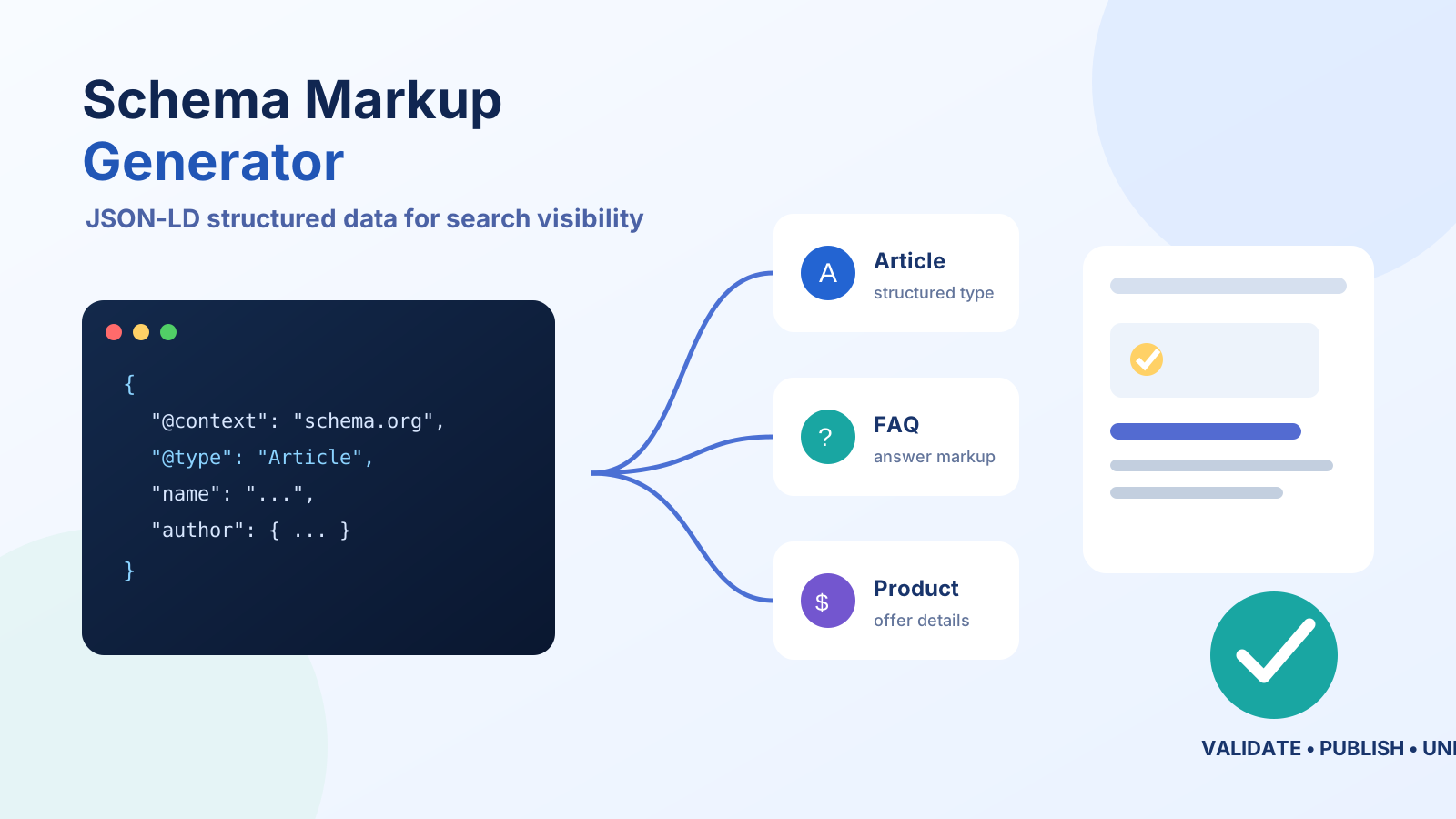
The Problem: The Complexity of Manual Structured Data
In the evolving landscape of search engine optimization, implementing structured data using schema markup is essential for improving your website’s visibility and click-through rates. However, manually creating accurate and compliant schema code can be complex and time-consuming, especially for non-developers.
The SmartGen Schema Generator solves this by allowing users to quickly create valid JSON-LD schema markup without writing a single line of code. It eliminates syntactical errors, incomplete markup, and the frustration of navigating complex schema vocabularies, giving you an easy online solution to produce rich snippet-friendly structured data.
How It Works Under the Hood
The generator works intuitively by guiding users through selectable schema types and corresponding fields, from basic business information to advanced metadata. Once your input is complete, the tool instantly generates JSON-LD formatted schema that adheres to the latest standards recommended by Schema.org and tested by search engines like Google.
Key Features & Benefits:
- Support for Multiple Schema Types: Create markup for articles, products, events, FAQs, organizations, local businesses, and more.
- Real-Time Validation: Instantly detect and correct any errors in your JSON-LD schema before embedding it in your site.
- User-Friendly Interface: No coding skills required—simply fill out intuitive forms to generate compliant markup.
Step-by-Step Guide: Using the Schema Generator
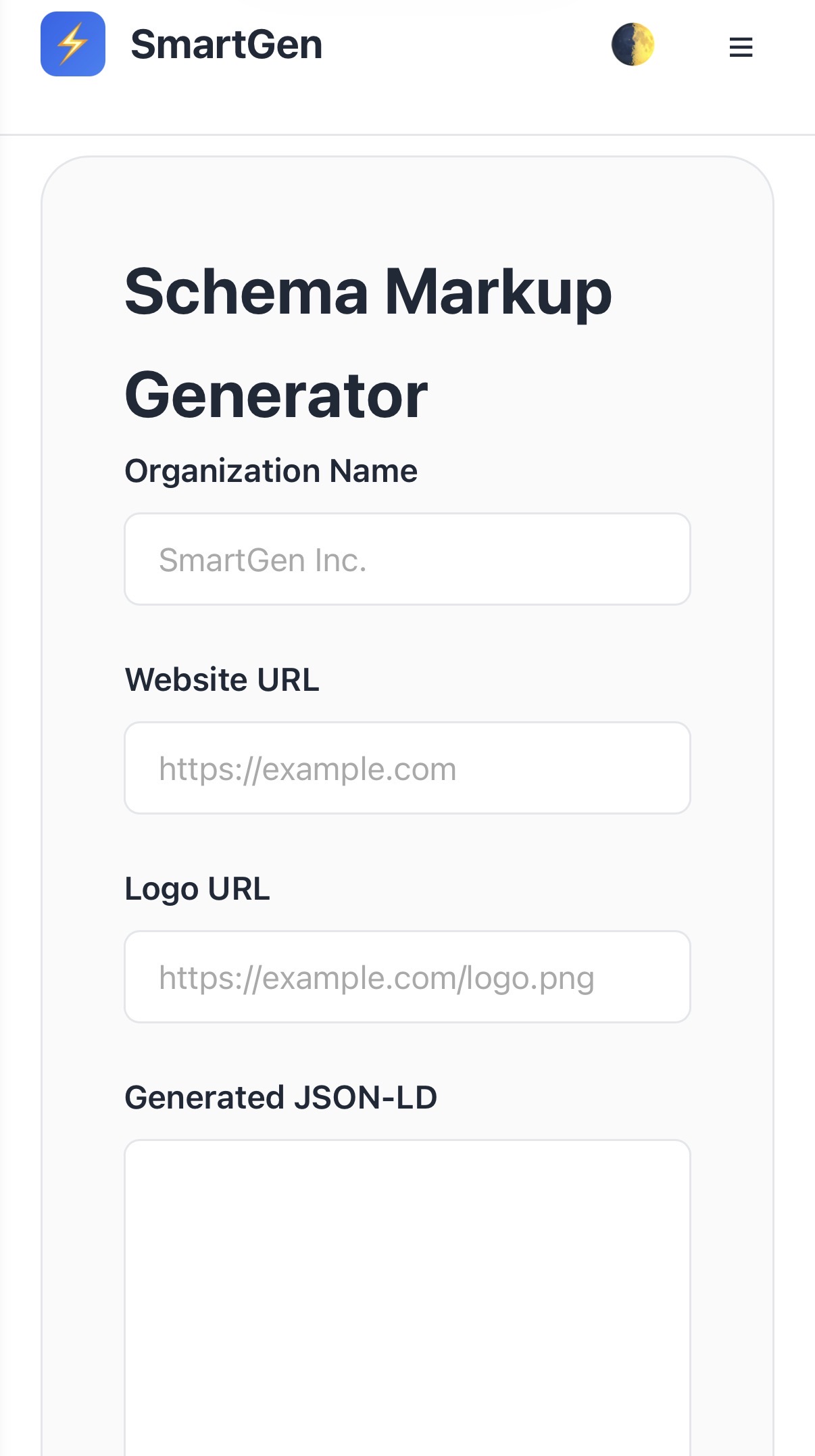
Example Result: Organization Schema
Based on the inputs in Step 2, the tool instantly outputs the best-practice code ready for deployment:
<script type="application/ld+json">
{
  "@context": "[https://schema.org](https://schema.org)",
  "@type": "Organization",
  "name": "Smartgen",
  "url": "[https://smartgentools.com](https://smartgentools.com)"
}
</script>
Frequently Asked Questions (FAQ)
What types of schema markup can I create with the Schema Generator?
Our Schema Generator supports a wide range of schema types, including Article, Product, Event, Organization, Local Business, FAQ, and Review. This versatility allows users to create structured data tailored to various content needs, improving visibility and relevance in search engine results.
Is my data saved or shared when using the Schema Generator on SmartGen?
No, the Schema Generator processes all data 100% on the client side, which means your input never leaves your browser. This ensures complete privacy and security, giving users peace of mind that their data is not stored, shared, or transmitted to any external servers.
How do I integrate the generated schema markup into my website?
Once you've created your schema markup using the tool, simply copy the generated JSON-LD code and insert it directly into the <head> section of your website's HTML, or right before the closing </body> tag. This integration helps search engines better understand your content, enhancing SEO and enabling rich snippets.
Author & Authority Details
Developed and documented by Sayad Md Bayezid Hosan, Lead Technical Consultant.
This tool is part of the broader SmartGen Tools ecosystem, built to provide secure, browser-based utilities for web publishers and developers.
** Resources
- Learn more About SmartGen
- Review our Terms of Service
