
July 14, 2026 • General • By Sayad Md Bayezid Hosan
Python Course Class 01: Orientation & Setup
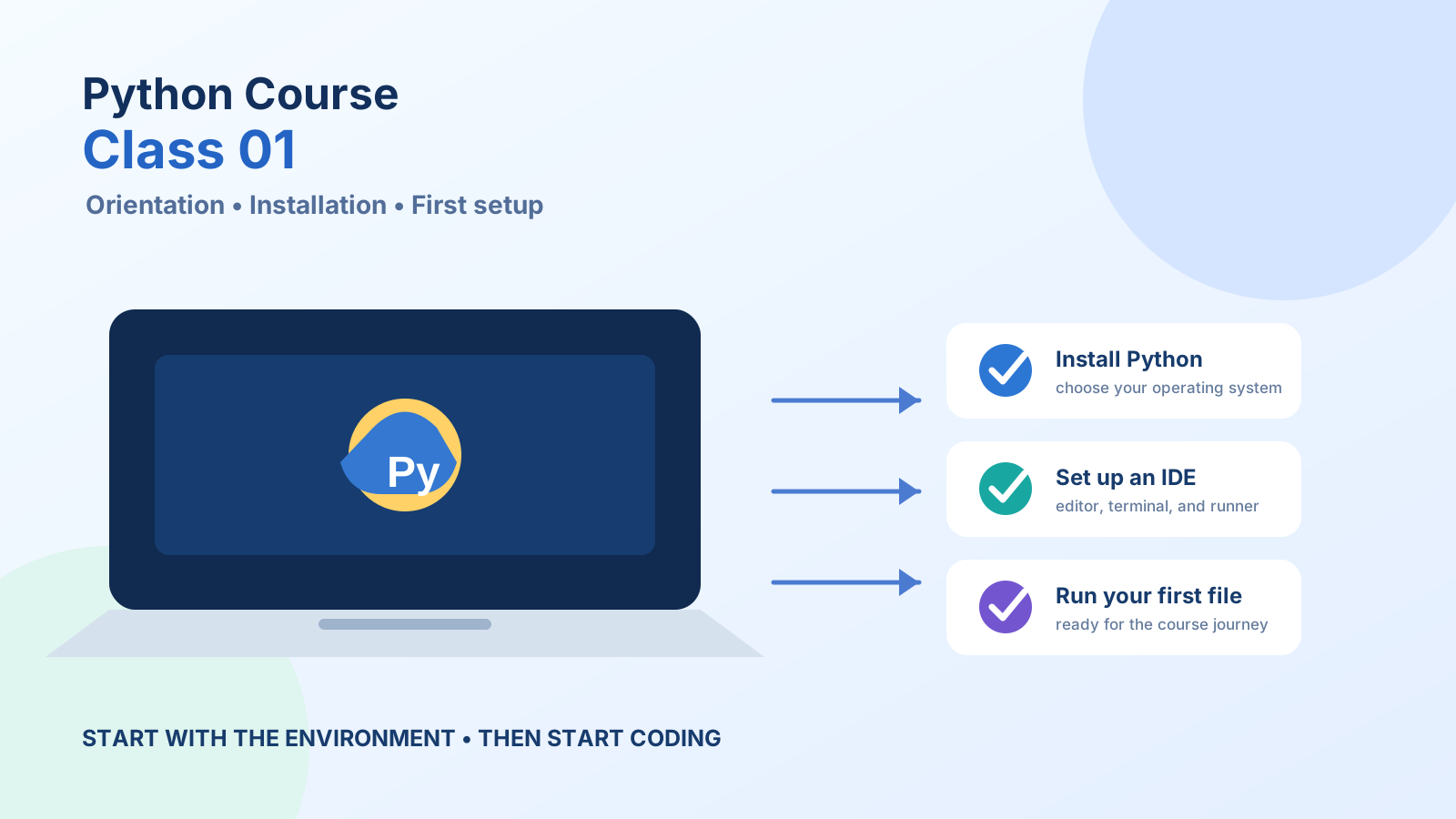
Welcome to Class 01 of the complete SmartGen Python Programming Course — a 21-class series that takes you from zero programming experience to writing real, working Python code. Before any code gets written, though, this first class covers four things every student needs in place: where the course is heading, how to get Python and a code editor running on your own computer, how your work will actually get submitted, and what a "programming language" even is in the first place.
What You'll Cover in This Class
- Overview of the Course Structure and Topics
- Setting Up the Development Environment (IDE & Python Installation)
- Understanding Assignment Submissions
- Introduction to Programming Languages
Overview of the Course Structure and Topics {#course-overview}
This course is built as 21 classes, moving in order from absolute fundamentals through to genuinely useful, real-world Python skills. Each class builds directly on the one before it, which is why attending — or at minimum reading — them in sequence matters far more in a programming course than it might in other subjects: a gap in Class 04 makes Class 05 noticeably harder to follow.
The course includes two dedicated review classes (Class 14 and the recap portion of Class 06), a mid-exam discussion partway through, and a final exam with viva at Class 20 — followed by a bonus class on more advanced concepts for anyone who wants to keep going beyond the core fundamentals.
Here's the complete roadmap:
| Class | Topic |
|---|---|
| 01 | Orientation & Setup |
| 02 | Introduction to Python |
| 03 | Variables & Data Types |
| 04 | Operators in Python |
| 05 | Conditional Statements |
| 06 | Practical Session & Mid Exam 01 Discussion |
| 07–08 | Loops (While Loop) |
| 09 | Loops (For Loop) |
| 10 | Loop Exercises & Strings |
| 11–13 | Data Structures (Lists, Tuples, Sets, Dictionaries) |
| 14 | Review Class |
| 15 | Input/Output & Advanced Loop Concepts |
| 16–17 | Functions & Recursion |
| 18 | Error Handling |
| 19 | Modules & Packages |
| 20 | File Handling & Final Exam Preparation |
| 21 | Advanced Python Concepts (Lambda, Comprehensions, DateTime/JSON, RegEx) |
Notice the shape of it: Classes 01–06 build the absolute basics (setup, syntax, conditionals), Classes 07–13 cover loops and data structures — the two concepts that make up the bulk of everyday Python code — and everything from Class 15 onward layers in the tools (functions, error handling, file handling, modules) that turn "I can write a script" into "I can build something real." By Class 21, the goal is that none of this list looks intimidating anymore.
Setting Up the Development Environment (IDE & Python Installation) {#dev-environment}
An IDE (Integrated Development Environment) is software that combines a code editor, a way to run your code, and tools for finding errors, all in one application — instead of writing code in a plain text file and running it through a separate program. Getting Python and an IDE installed correctly today means every class after this one starts with writing code, not troubleshooting a setup problem.
Step 1: Install Python
- Go to the official source at python.org/downloads and download the latest stable release for your operating system.
- Windows users: when the installer opens, check the box that says "Add Python to PATH" before clicking Install. This single checkbox is the most commonly missed step, and skipping it means your computer won't recognize the
pythoncommand later. - Mac users: run the downloaded
.pkginstaller and follow the prompts; macOS handles the PATH setup automatically in most modern versions. - Once installation finishes, open your terminal (Command Prompt or PowerShell on Windows, Terminal on Mac) and type:
You should see something likepython --versionPython 3.13.2printed back. If you instead see an error saying the command isn't recognized, the PATH step above was likely missed — reinstalling with that box checked fixes it.
Step 2: Install a Code Editor
Visual Studio Code (VS Code) is the recommended editor for this course — it's free, lightweight, and used widely across the industry, so the habits you build here transfer directly.
- Download VS Code from code.visualstudio.com and install it like any other application.
- Open VS Code, click the Extensions icon in the left sidebar (or press
Ctrl+Shift+X), search for "Python" (the official Microsoft extension), and click Install. - Create a new file, save it as
hello_world.py, and type:print("Hello, World!") - Run it using the Run button in the top-right corner, or by opening a terminal inside VS Code (
Ctrl+`) and typingpython hello_world.py. SeeingHello, World!printed back confirms your entire setup — Python and editor both — is working correctly.
Alternative: No-Install Option
If you want to start writing code immediately, before installing anything locally, Google Colab (colab.research.google.com) runs Python entirely in your browser, free, with no setup at all. It's a genuinely good way to follow along with early classes, though installing Python and VS Code locally is still worth doing before the course gets into file handling in Class 20, since that requires a real file system to work with.
Understanding Assignment Submissions {#assignment-submissions}
Each class in this course includes hands-on exercises, and building the right submission habits from Class 01 saves real friction later. A few practices apply across every assignment in this course:
- Name your files clearly. A convention like
class03_variables.pyorassignment2_loops.pymakes it obvious what each file contains, both to you when you're reviewing your own work later and to anyone checking it. - Comment your code. A short comment above a tricky section — explaining why you did something, not just what the code does — is one of the most valuable habits a beginner can build early, and it's something instructors specifically look for when reviewing submitted work.
- Test your code before submitting. Run every assignment yourself and confirm it actually produces the expected output. It sounds obvious, but "I think it works" and "I ran it and confirmed it works" are very different levels of confidence, and the second one is what submissions should reflect.
- Use version control if you can. Creating a free GitHub account and pushing your assignment files there — even just as a personal habit, not a requirement — is one of the best long-term habits a new programmer can build, since it's also how real-world software teams track and submit work.
- Check the course platform for exact deadlines and submission format. Specific due dates, file upload locations, and formatting requirements are posted on the course platform itself and may be adjusted class to class, so that's always the authoritative source rather than assuming last class's format carries over automatically.
Introduction to Programming Languages {#programming-languages}
A programming language is a formal set of instructions and rules that a human can write and a computer can understand and execute — a structured way of telling a machine exactly what to do, one precise step at a time. Every app, website, and piece of software you've ever used was built by someone writing instructions in a language like this.
Two distinctions are worth understanding before Class 02 goes deep on Python specifically:
Compiled vs. interpreted. A compiled language (like C++) is translated entirely into machine code before it runs, producing a standalone executable file. An interpreted language (like Python) is read and executed line by line, on the fly, by another program called an interpreter. This is a big part of why Python code tends to be faster to write and test — there's no separate compile step between writing a line and seeing what it does.
High-level vs. low-level. A low-level language works close to how the computer's hardware actually operates, giving fine control but requiring more code for simple tasks. A high-level language like Python abstracts most of that away, using syntax that reads closer to plain English, which is a major reason it's such a common first language.
A quick comparison, just for context before we go deeper into Python specifically next class:
| Language | Type | Commonly Used For |
|---|---|---|
| Python | High-level, interpreted | Data science, automation, web backends, AI |
| JavaScript | High-level, interpreted | Websites, interactive browser features |
| Java | High-level, compiled (to bytecode) | Enterprise software, Android apps |
| C++ | Low-level-leaning, compiled | Operating systems, game engines, performance-critical software |
Python sits firmly in the high-level, interpreted category — which is exactly why it's the language this course is built around. Class 02 picks up from here and goes fully into what Python is, where it came from, and why it's become one of the most widely used languages in the world.
What to Do Before Class 02
- Python installed and
python --versionconfirmed working in your terminal - VS Code installed with the Python extension added
-
hello_world.pywritten and successfully run - Full 21-class syllabus reviewed above
- Submission conventions from this class read and understood
Frequently Asked Questions
Do I need any prior programming experience for this course?
No. This course is built from Class 01 assuming zero prior experience — that's the entire purpose of today's class existing before any actual coding begins in Class 02.
Should I install Python 2 or Python 3?
Python 3 — always. Python 2 reached its official end of life years ago and is no longer maintained or used for new development. Every download from python.org today defaults to the current Python 3 release.
Does it matter if I use Windows, Mac, or Linux?
No. Python and VS Code both run identically across all three, and every exercise in this course works the same regardless of operating system. The only difference is the exact installer file and terminal application name, both covered above.
Can I just use Google Colab for the whole course instead of installing anything?
For the early classes, yes, comfortably. Once the course reaches Class 20 (File Handling), you'll want a local Python installation, since that class works directly with files on a real file system in a way that's more natural outside a browser-based notebook.
How much time should I expect to spend per class?
It varies by topic — a class introducing a new concept like loops or functions naturally takes longer to absorb than a syntax-focused class like operators. Working through the hands-on exercises yourself, rather than just reading, is what actually builds the skill, so budget time for that rather than just the reading itself.
Setup complete, syllabus in hand, submissions understood — Class 02 is where the actual Python begins.
— Written by Sayad Md Bayezid Hosan for the SmartGen blog
 ✓
✓
Sayad Md Bayezid Hosan
Founder & Tech Entrepreneur | Full-Stack Developer
Full-stack Web Developer, Digital Marketing Strategist, and Tech Entrepreneur with 5+ years of experience delivering innovative digital solutions. Specializing in web development, AI integration, strategic digital marketing, and tech entrepreneurship. As a leading Tech Provider, I help audiences navigate digital platforms safely through permission-based technical solutions and digital business asset management.
Credentials & Expertise:
- Founder of CWB Agency & GenZFrontier
- Final-year English Student at Northern University Bangladesh
- Specialized in AI-powered web development & content strategy
- Published author on tech, digital marketing & entrepreneurship